
Skip to content

Plattio Website Builder

Restaurant website builder

Looks great from day one. And you change it yourself, by typing right on it.

Plattio editor · example

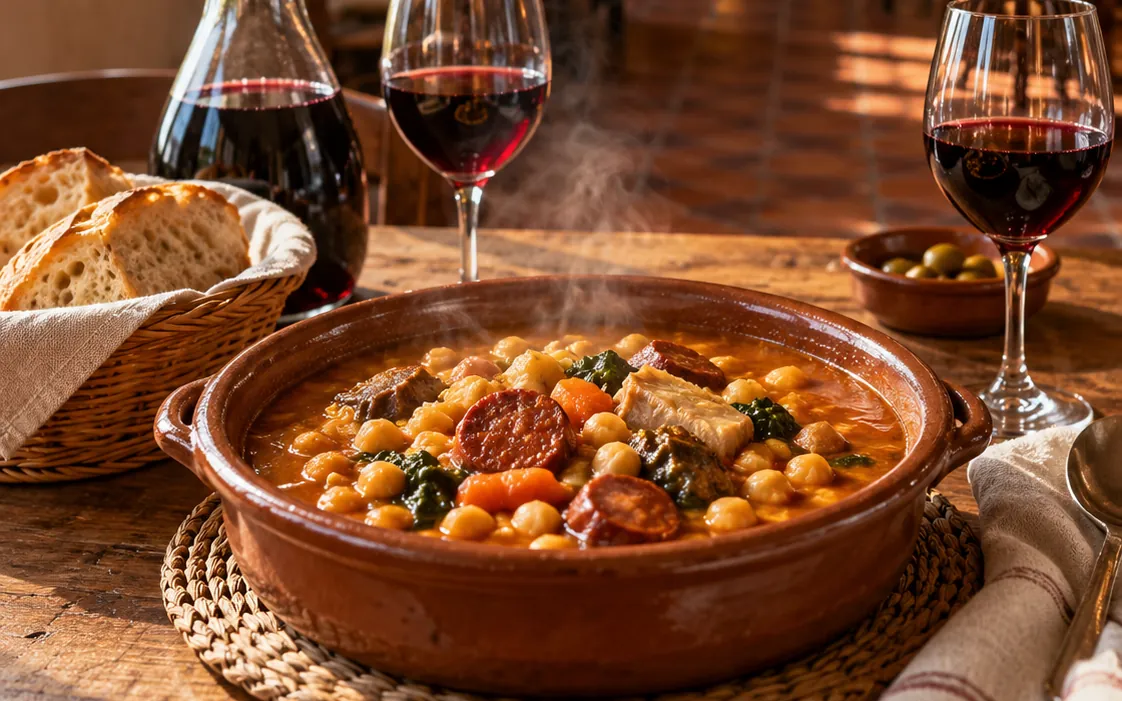
Sample website in the editor. Cover photo: Chickpea stew in a clay pot, with bread, red wine and olives, in a traditional dining room.

Published website

Click the title and type your restaurant's name.

You start from a template made for hospitality and we help you with the whole setup. Then you change text and photos by typing on the website itself, from your computer or your phone. From there, your guests open your menu and book a table.

Initial setup includedAdapts to phones on its own

The result

This is how your guests will see it

Plattio Website Builder is the editor that lets a restaurant, bar or café have its own website without knowing anything about design. It adapts to phones on its own, opens your Digital Menu and takes bookings with Plattio Reservations. Website Builder comes included from the 360 Essential plan.

Try it in another style

Guests book without calling you

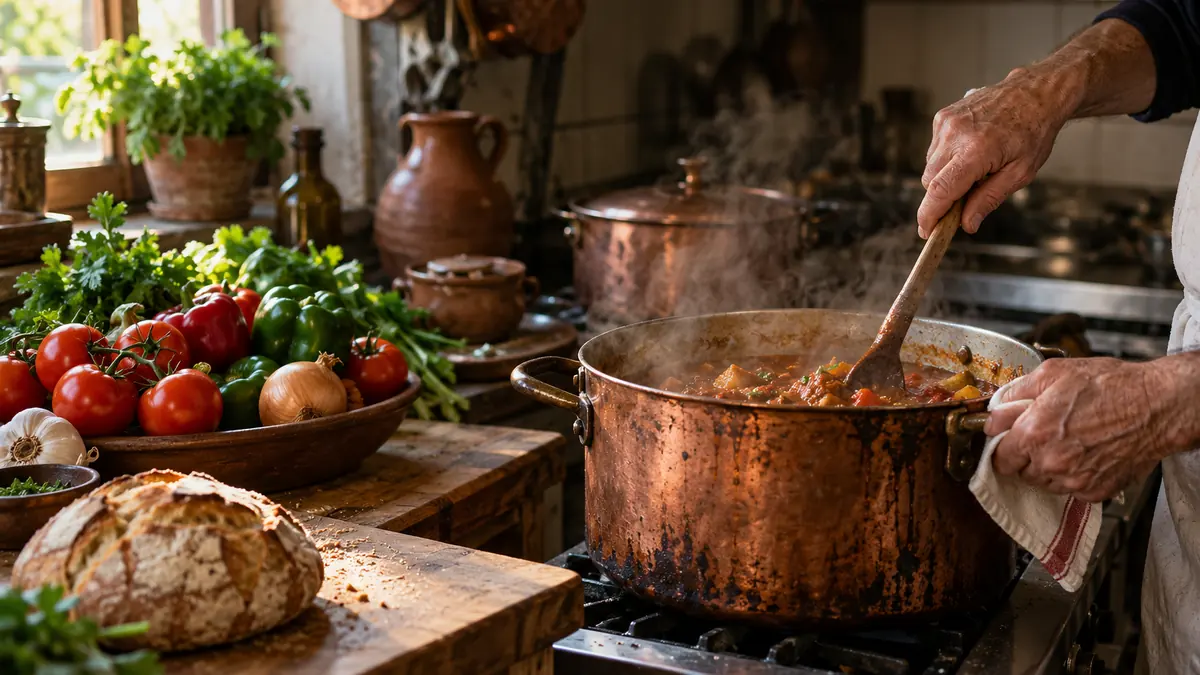
Example in the Restaurant style, with a cream background and the Georgia font. Cover with the title “The Corner Table”: Chickpea stew in a clay pot, with bread, red wine and olives, in a traditional dining room. “Our story” section: A cook’s hands stirring a stew in a copper pot, with market vegetables and bread on the counter. On the phone, the booking block with 21:00 selected.

The menu comes from Digital Menu and bookings from Plattio Reservations.

What you can add

  • Image sectionAn image beside a title and text
  • Text onlyHeadings and paragraphs, your way
  • Image carouselYour photo gallery as a slideshow
  • Booking formLet guests book from the sitewith Reservations
  • ReviewsWhat your guests say, with starsfrom Google or Plattio
  • MapShow where your restaurant is

Move any part of your site up or down, duplicate it or delete it with one click.

Instagram, Google and WhatsApp

The link your Instagram is missing

People find you on Instagram and Google, and message you on WhatsApp. Put your website address in all three places and whoever arrives will find your photos, your menu and the button to book.

If you want to know what guests look at before they book, read what they need to find on your website and your Google listing to trust you.

  • Up to 40% of bookings can come straight from the venue's own website.
  • 66% of bookings in Spain are already made online.

Example diagram: the link on your Instagram profile, the Website button on your Google listing and your WhatsApp messages all lead to the same address, web.plattio.com/web/the-corner-table, where people see your photos and your menu and can book a table.

Setup and pricing

We set it up for you. After that, it's yours to run.

  1. We switch on your website in your Plattio account, with the hospitality template ready. In the editor: New website. Save to create it.

  2. We help you with the whole setup. You just bring the photos of your place and your dishes. In the editor: Unpublished draft. Save to keep your changes.

  3. After that you change it yourself in a few minutes, for example when you open the terrace or plan your New Year's Eve dinner. In the editor: Published website. Saved changes go live.

To get started with PlattioWebsite included

360 Essential

€59/mopaying the year up front

€74/mo with no commitment

One fee for your website, your menu and your bookings.

Bought separately, Website Builder, Reservations Essential, Digital Menu Essential and Time tracking Legal add up to €122/mo paying the year up front.

Includes
  • The full Website Builder (listed in the plans as Advanced website)
  • Reservations Essential, so guests can book from your website
  • Digital Menu Essential, the menu that opens from your website
  • Your Google reviews on your website
  • Time tracking Legal and customer records
  • Unlimited users and bookings
Get my website (opens in a new tab)

30-minute video call · Initial setup included

See everything it includes

Only if you already use Plattio

Website Builder

€15/mopaying the year up front

€19/mo with no commitment

It's switched on in your account. Initial setup included and unlimited users.

Requires
An existing Plattio account.Digital Menu, if you want to show your menu; Plattio Reservations, if you want to take bookings; and Reviews, if you want to show the reviews you collect with Plattio.

Want to run the floor and kitchen with Plattio too? See 360 Complete and 360 Total

Frequently asked questions about your restaurant website

Plattio Website Builder is the editor that lets a restaurant, bar or café have its own website without knowing anything about design or code. You start from a template made for hospitality and change titles, text and photos by clicking on the website itself. You can add sections with an image or just text, a photo gallery carousel, the map and your Google reviews. With Plattio Reservations, the booking block too. The website adapts to phones on its own and can be in several languages. In the 360 suites it is called Advanced website.

If you're starting with Plattio, the website comes included in 360 Essential: $69 (€59) a month paying the year up front or $86 (€74) a month with no commitment. That plan also includes Reservations Essential, Digital Menu Essential, Time tracking Legal and customer records, and the website is also part of 360 Complete and 360 Total. If you already have a Plattio account, you can add just the website for $19 (€15) a month paying the year up front or $24 (€19) a month with no commitment. Either way, users are unlimited and the initial setup is included.

With Plattio you don't start alone: we help you with the whole setup of your website. You just send us the photos of your place and your dishes. From then on the website is yours and you change it whenever you like.

With Plattio Website Builder, a simple website can be ready in about 5 or 10 minutes, because the template already comes with a cover, sample text and colors: you change the title, add your photos, save and publish. During setup we do it with you, and you can add the other sections later, at your own pace.

To have a place of your own to send people to. Instagram and your Google listing help people discover you, and a Plattio website is that place. You put its address on your profile, in the Website button of your listing and in your WhatsApp messages, and whoever arrives finds your photos, the menu and the button to book. Plattio doesn't promise rankings on Google or on any other search engine. For your Google listing, see how to get it ready before asking for reviews.

A Plattio website can be your main website or a booking and menu page that you link to from the one you already have. If changing your website today depends on someone else, here you do it yourself in minutes. And if you only want guests to book from the website you already have, you can embed the Plattio Reservations form in it.

Yes. Your opening hours, your address, your contact details and anything else you want to tell people go in a text section that you change whenever you like, and the map block shows where your place is.

With Plattio Digital Menu, your website header shows a link that opens your digital menu, with categories, search and the allergens you mark on each dish. If you already have a menu, we help you bring it over. The menu is edited in Digital Menu, so a change to a dish or a price reaches the website without touching it or uploading any file. 360 Essential already includes Digital Menu Essential. The menu can also be downloaded as a PDF.

With Plattio Reservations, your guests book from your website. You add the booking form and they choose party size, day and time without calling you. Every booking goes into your Plattio reservation book, with no fee per booking. 360 Essential already includes Reservations Essential.

With Plattio you change your website whenever you want. You click on the title, text or photo you want to change, from your computer or your phone, type and hit Save changes. If the website is published, your guests see the change live. You can move any part of your website up or down, duplicate it or delete it with one click, and if one day you'd rather take it down, you unpublish it with another.

A Plattio website starts with a full-screen cover with your photo or video. Below it you combine six blocks: section with image, text only, image carousel, map, bookings and reviews. Photos can be JPG, PNG, GIF or WebP up to 5 MB, and the cover video MP4 or WebM up to 50 MB. The booking block needs Plattio Reservations. The reviews block shows your Google reviews or, if you have Plattio Reviews, the ones you publish from there.

In Plattio Website Builder you choose the background and text colors, the font, the logo and the cover: how much the photo is darkened so the title stands out, and how tall it is. For each section you change the width, whether the text sits beside the photo or over it, the spacing and the order. Everything starts from the same design made for restaurants, so there's no need to touch any code. Custom designs aren't available.

Yes, a Plattio website can be in several languages, so tourists and visitors from abroad read it in their own. During setup we help you get it configured.

Not yet. Today a Plattio website is published at an address inside Plattio, such as web.plattio.com/web/your-restaurant, which you copy with one button. Your own domain is coming soon. Choose the address carefully at the start, because if you change it, the QR codes you've already handed out will stop leading to your website.

Let your next booking come through your website

Tell us about your place on a 30-minute video call. We'll show you the 360 Essential plan, which already includes the website.