
Digital orders
Kitchen and bar in sync, instantly
Plattio's digital order pad: every dish and drink reaches the right station, with no errors, no shouting and no lost tickets.
Friday · 9:04 PM
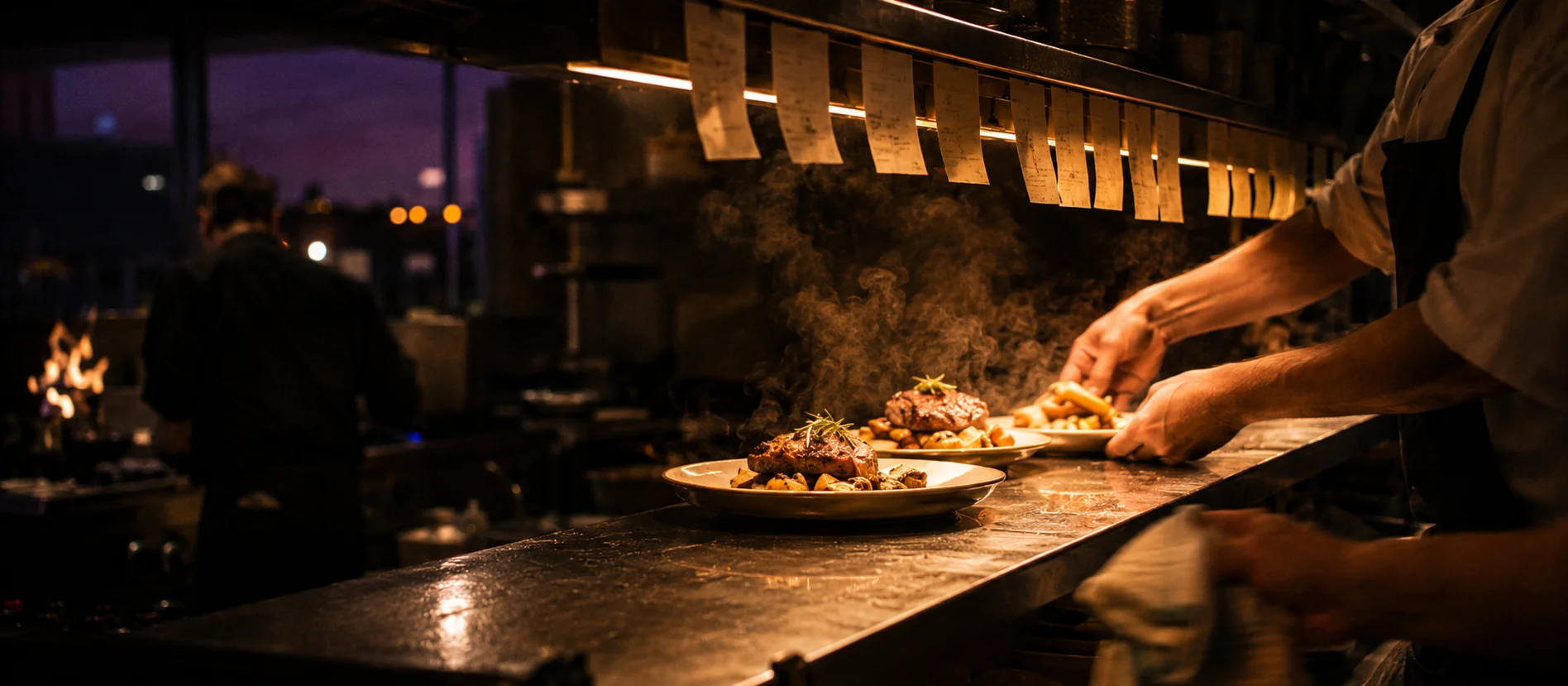
Forty covers and not one lost order
The server takes the order at the table. The kitchen and the bar receive it already split, each station with its own items.
Mains
- 2 Baked sea bass
- 1 Galician-style octopus
Each station sees only its own
You decide which categories go to the kitchen, the bar or the pastry station. The split is automatic.
Target times per station
With alerts when a station falls behind, so nobody finds out when it's already too late.
A coordinated pass, if you need one
An expo station decides when each table goes out complete. It's optional.
Buffet or self-service? With the Digital Menu, guests order from the table by QR or NFC and the order comes in through the same place. It's an optional mode: your servers' workflow doesn't change.
See the Digital MenuWhat stops happening in your service
| Feature | Paper | With Plattio |
|---|---|---|
| Legibility | Handwritten, hard to read | Clear and digital, no transcription errors |
| Station routing | Manual and error-prone | Automatic, based on your setup |
| Prep times | Unpredictable | Target times per station with alerts |
| Void management | Lost or scribbled-out paper | Digital log with the responsible user |
| Operational data | Nonexistent | Complete metrics in real time |
Everything it does, without opening another app
On the floor
- Floor plan
- Portion sizes per dish (tapa, half, full)
- Modifiers and notes
- Allergens on the order
- Editing after sending
- Works offline and resends when the network is back
In the kitchen and the bar
- Configurable station routing
- Works with kitchen display screens (KDS) or with printers
- Courses and coordinated firing
- Target times per station with alerts
- Live order status
- Optional expo / pass
- Real-time 86 / out of stock
For the owner
- Operational analytics: times, best-selling items, voids and productivity
- Void log for auditing
- Role-based permissions with a PIN
- Till with cash count, X report, shift handover, end-of-day close and till history
- Receipt, order and invoice templates with custom fields
- Till, close and invoice: the Plattio POS
Use cases
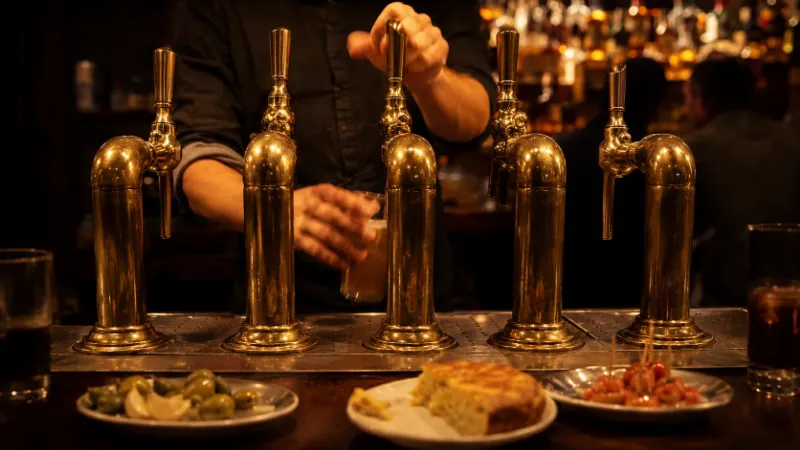
Bars
- Lightning-fast drink service at the bar
- Efficient handling of tapas and small plates
- Daily set menu and portion sizes with their own price
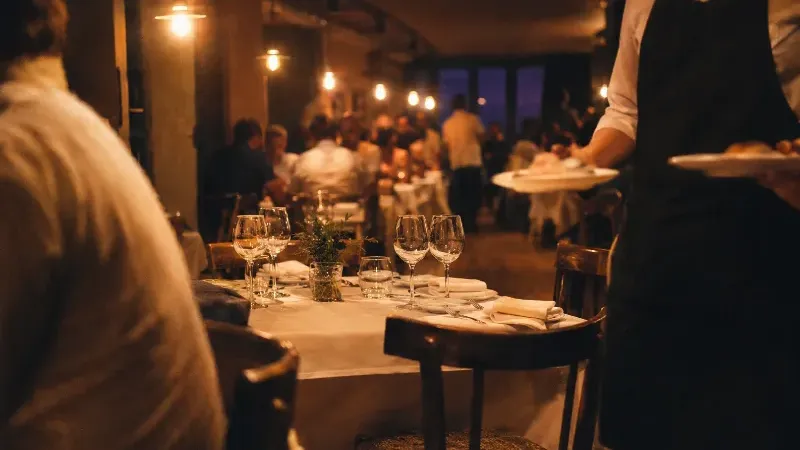
Restaurants
- Full course management with a coordinated pass
- Timing control between starters and mains
- End-to-end tracking from order to delivery
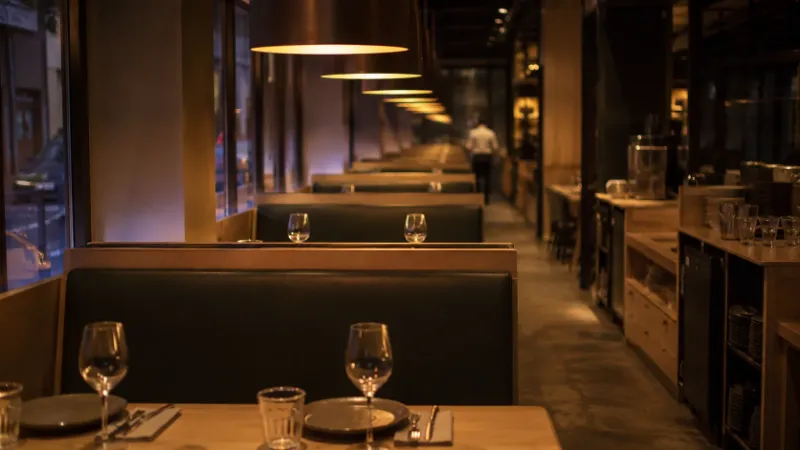
Franchises
- Standardized processes across the whole network
- Station and workflow setup you can replicate location by location
- Comparative metrics across locations
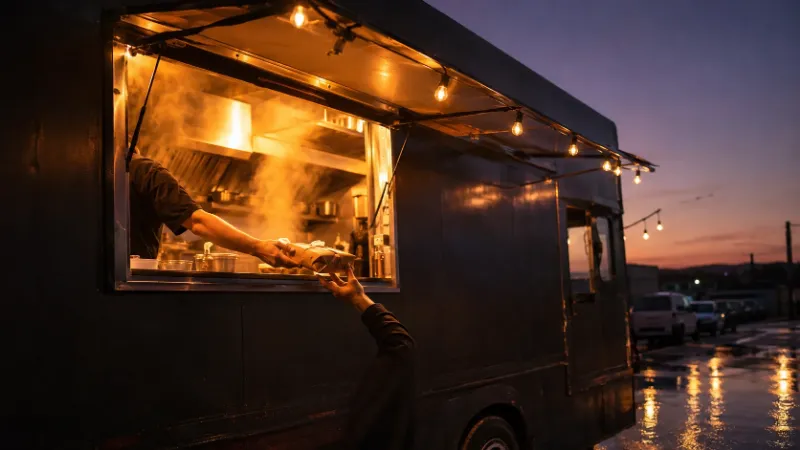
Cafés and food trucks
- Maximum speed from prep to handoff
- Simple operations with full control
- Optimized for tight workspaces
Connect Orders with Reservations, Waitlists, CRM + Analytics and the Digital Menu:
Charging, reconciling the till and invoicing
Card payments, the till, the end-of-day close and the QR invoice are explained on the Plattio POS page.
See the Plattio POS: till, card terminal and invoicingFrequently asked questions
No. The standard flow uses a username and password. The 'Order from the table (QR/NFC)' mode is optional (buffet/self-service) and is enabled by combining it with the Digital Menu.
Yes. You can take orders offline and they are sent automatically once the network is back, with nothing lost.
Yes, you can add or remove items after sending. Every change is logged with a timestamp and the responsible user for a full audit trail.
You disable the dish and it instantly disappears from the order pad. That way the team can't order something you can no longer serve, with no cross-outs and no shouting across the room.
Yes. Each dish can have several portion sizes, each with its own price. The server picks the portion when adding the dish and the order pad calculates the right amount.
Yes. With the Digital Menu, the daily fixed-price menu (first, second and third course) shows up in the order pad and is organized by courses to coordinate the pass.
The admin sets up rules by menu category. For example: 'Starters' → Kitchen, 'Drinks' → Bar, 'Desserts' → Pastry. The system routes everything automatically.
Both are supported. You can go modern with kitchen display screens, stick with traditional printers, or mix the two depending on what each station needs.
Yes. You can split the bill from the table or the order: by guests, seats, percentages or specific items, with no QR code required.
There is no limit: every Orders plan includes unlimited tickets and there is no per-ticket fee, however much you bill. The only separate cost is the card terminal, available in Spain: the terminal and the fees, from 0.35%, are Global Payments terms and not a Plattio commission.
Orders is Plattio's POS: the order pad runs on the Plattio app, not on another vendor's software. What you almost always keep is the hardware. We install Plattio on the tablets, computer or terminals you already have and check in five minutes that they are compatible, so there is usually nothing new to buy.
On Android and iOS phones and tablets, and on a computer with Plattio's desktop app. Each team member signs in with their own user from the device they already use on the floor, at the bar or in the kitchen.
We walk you through the initial setup and, after that, support handles your day-to-day questions. You load and edit the menu yourself whenever you like, and if you prefer we help you load it at the start. There is training when you start and it carries on afterwards, as questions come up. Before you start, we check that your devices and printers are compatible. Today the setup has no cost beyond your subscription.
Want the full context of the rule? Read the VeriFactu guide for bars and restaurants.
Ready to keep kitchen and floor in sync, error-free?
Centralize orders in real time, speed up service and stop losing money with Plattio Orders.